 Rekarta
Sizes
Instagram post size
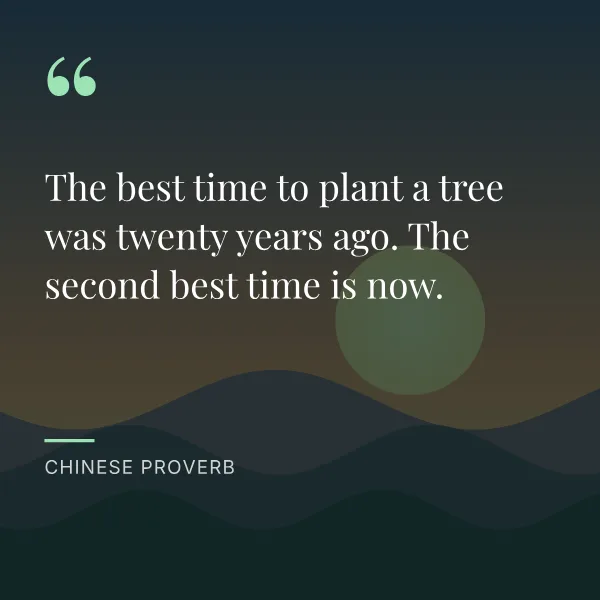
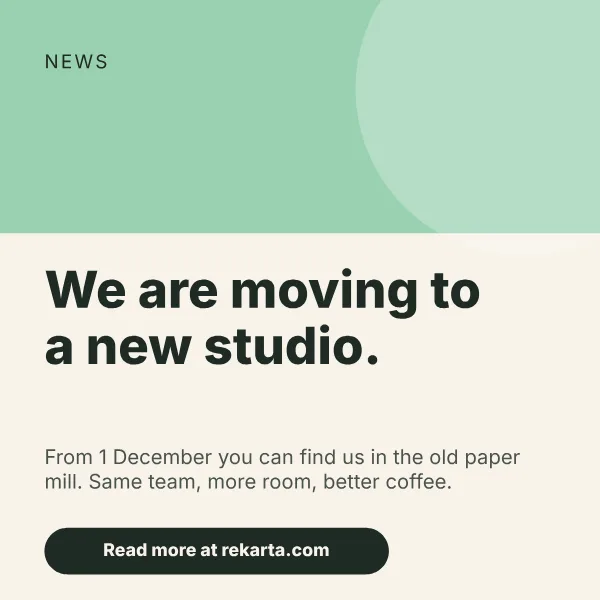
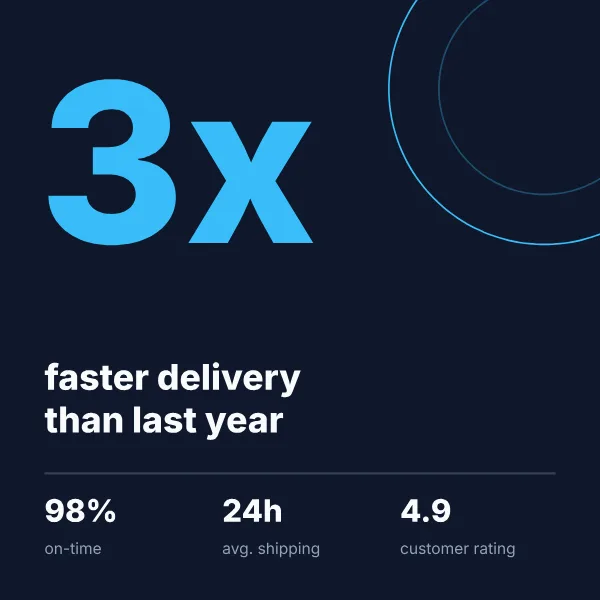
Rekarta designs an Instagram square post at 1080 × 1080 pixels, a 1:1 ratio. Ask for it by name and the canvas is set for you, with text kept inside a safe margin. Most of Rekarta's social templates start from this size, including the quote card, sale post and announcement.
- Pixels1080 × 1080
- Ratio1:1
Last updated
Size at a glance
| Format | Pixels | Ratio | Megapixels |
|---|---|---|---|
| Instagram post (square) | 1080 × 1080 px | 1:1 | 1.17 MP |
Good for
- Feed posts with one clear message
- Single slides of a carousel
- Announcements, quotes and offers
Design tips for this size
- Give the post one message. A square is read in a second, so a headline and one supporting line is enough.
- Leave a margin. Rekarta keeps text inside a safe area so nothing sits on the edge.
- Ask for the same design as a story or portrait post when you need more than one shape.
What Rekarta checks
- Text stays inside the safe area, does not overflow or overlap, and has enough contrast.
Ask for it like this
Paste this into Rekarta's chat, or into your own AI assistant once it is connected. Change the words to yours.
Make an Instagram post, 1080 × 1080: "Now open on Sundays" for Kopi Senja. Calm colours, our logo bottom right.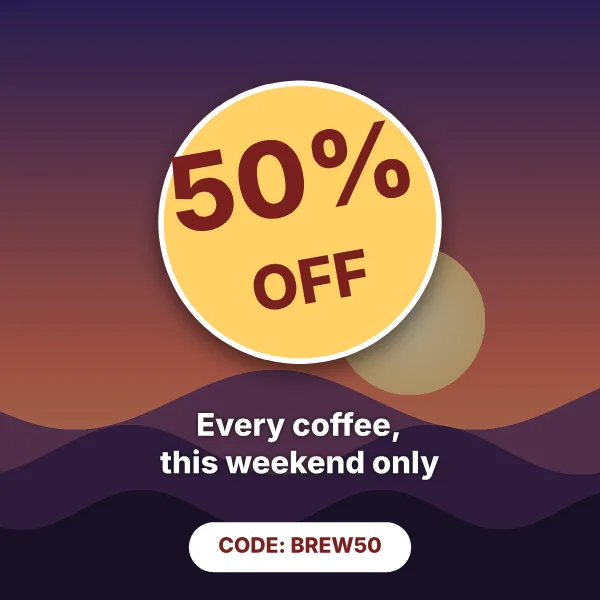
Sizes close to this one
| Format | Pixels | Ratio |
|---|---|---|
| Podcast cover | 3000 × 3000 px | 1:1 |
| Instagram portrait post (4:5) | 1080 × 1350 px | 4:5 |
| A4 poster | 1240 × 1754 px | 1:1.41 (A4 paper) |
| Pinterest pin | 1000 × 1500 px | 2:3 |
| Instagram story | 1080 × 1920 px | 9:16 |
Common questions
Can I get the same design in another size?
Yes. Ask in the same chat for the story or portrait version and Rekarta adapts the layout instead of stretching it.
What size is a instagram post made with Rekarta?
1080 × 1080 px, a 1:1 ratio of 1.17 megapixels. This is the size Rekarta designs at. Platforms change their recommendations, so check the current requirements of the place you post to.
Do I need to set the size myself?
No. Name the size or say where the design will be posted, and Rekarta sets the canvas. Ask in the same chat for other sizes and it adapts the layout.
Make a instagram post.
The first month is free. Ask in Rekarta's chat, or connect the AI assistant you already use.