 Rekarta
Styles
Design styles you can ask for
Looks you can ask for by name: pixel art, halftone, isometric, low poly, paper cut and flat. Each one is drawn by Rekarta's own renderer, so the samples here are what you get. Pick one to see real samples, what each setting does and a prompt to try.
Last updated
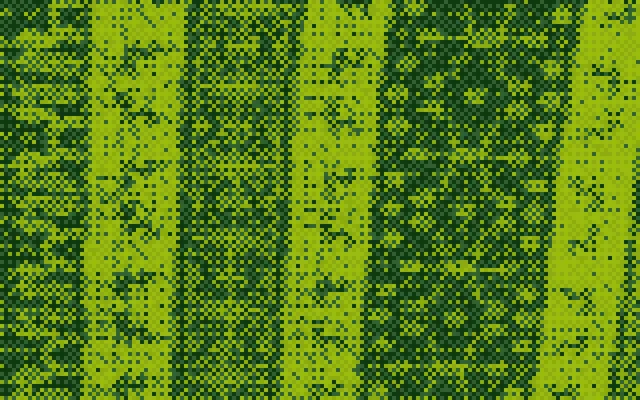 Pixel art effect for photosEffect on a photo · 12 samplesTurn any photo into big square pixels and a small palette.
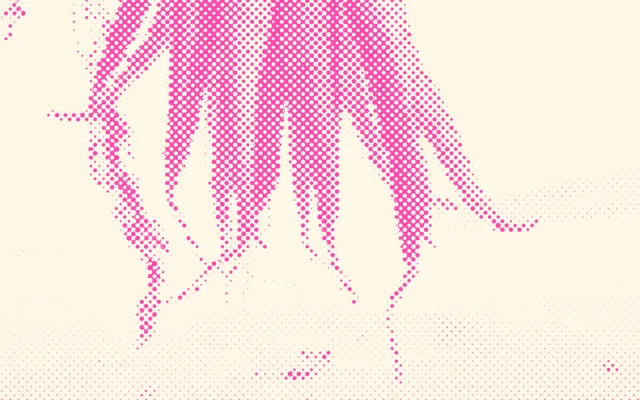 Halftone effect and riso print lookEffect on a photo · 12 samplesDots of one ink on paper, like newspapers and risograph prints.
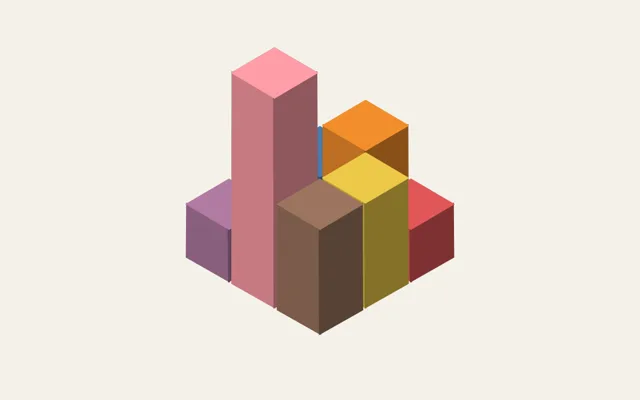 Isometric illustration generatorShape drawn by Rekarta · 6 samplesBoxes, stacks, small cities and 3D bar charts from a few numbers.
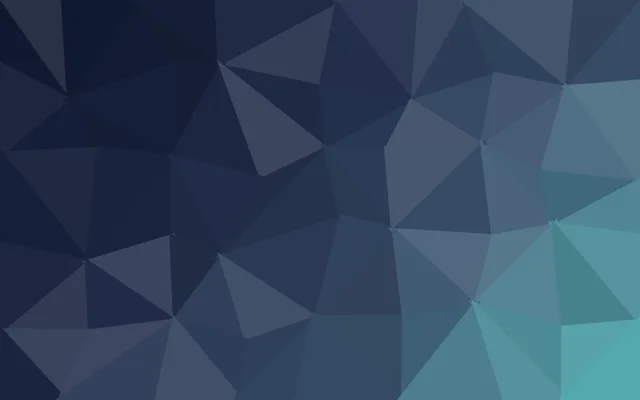 Low poly background generatorShape drawn by Rekarta · 7 samplesA mesh of flat triangles in your colours.
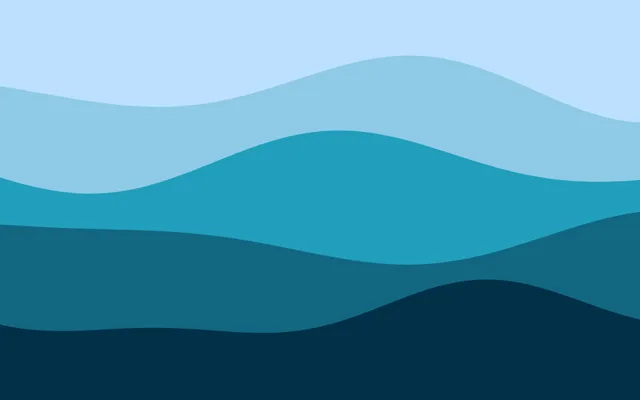 Paper cut art generatorShape drawn by Rekarta · 6 samplesLayered paper landscapes with flat shadows.
 Flat design styleRule that is checked · 2 samplesPlain colour shapes only, checked so revisions stay flat.
Common questions
What is a style in Rekarta?
A look you can ask for by name. Some are effects on a photo (pixel art, halftone), some are shapes Rekarta draws from numbers (isometric, low poly, paper cut), and some are rules that are checked (flat).
Do I need to know the settings?
No. Ask for the look in chat, for example a poster from your photo in pink halftone, and Rekarta chooses the settings. You can change them after.
Can I combine styles?
Often yes. A low-poly background with flat shapes on top works well. Pixel art and halftone cannot be used on the same picture.
Try one month of content.
The first month is free. Ask in Rekarta's chat, or connect the AI assistant you already use.