 Rekarta
Styles
Paper cut art generator
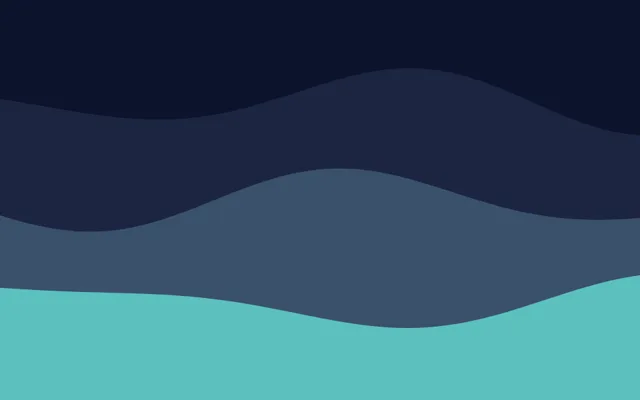
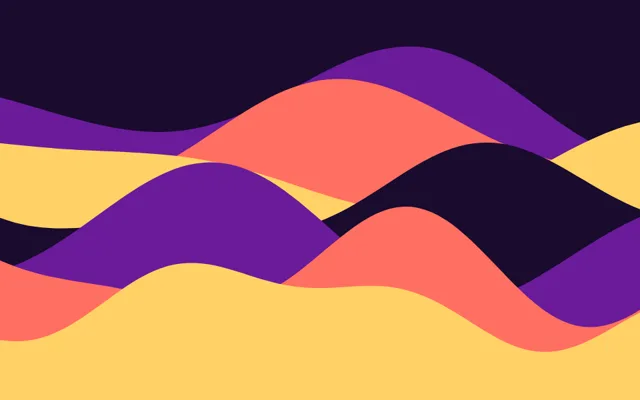
Paper-cut art builds a picture from layers of cut paper stacked from back to front, each casting a flat shadow on the one behind. Rekarta draws wavy layered landscapes from a seed and your colours, good for a header, a divider or a poster with depth. Choose the layers, the wave height and the shadow.
- KindShape drawn by Rekarta
- Settings5
- Samples6
Last updated
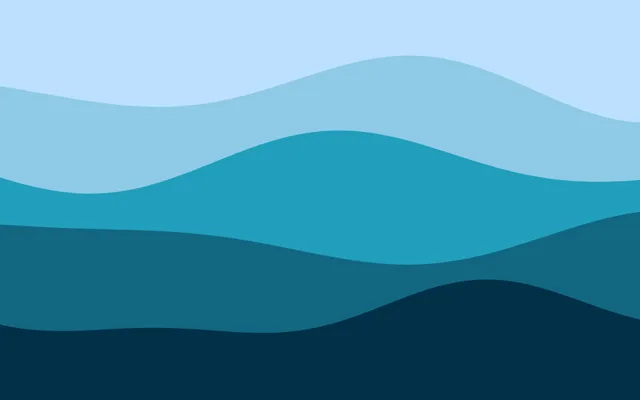
Samples
Rekarta's own renderer drew every picture here, so what you see is what you get.
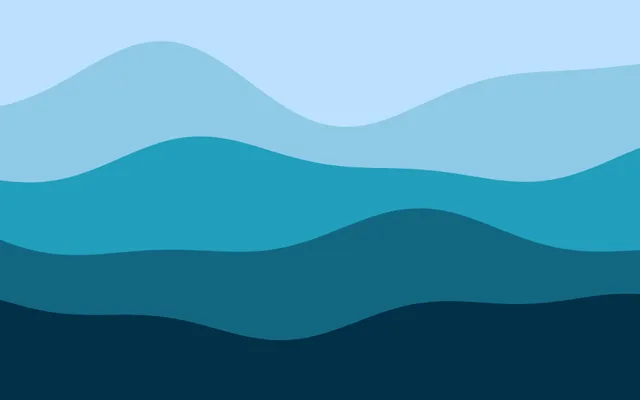
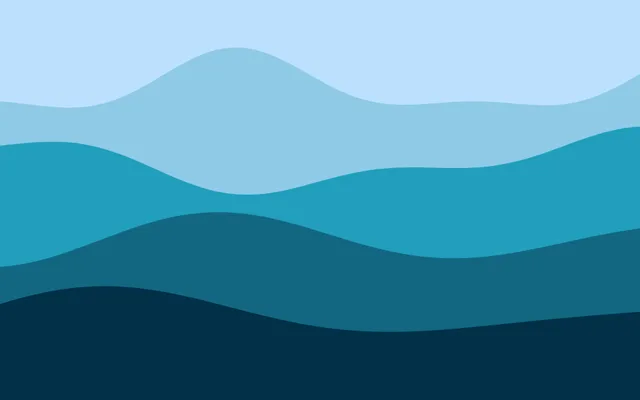
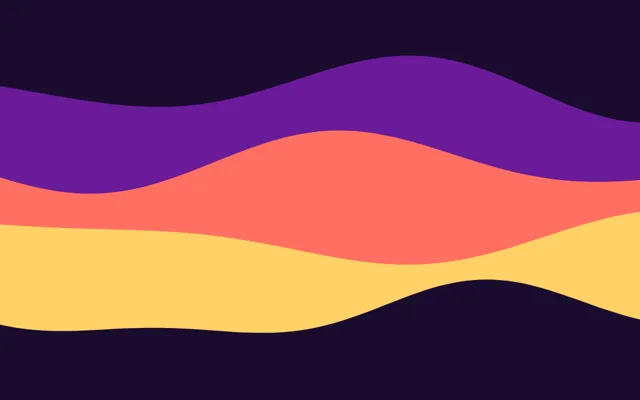
What it is
Each sheet takes the next colour from your list, from the back to the front. Few layers feel calm and graphic, many layers with tall waves feel busy and playful.
Good for
- A header or divider with depth
- A landscape or sunset poster
- A layered background behind a title
What you can change
| Setting | What it does |
|---|---|
layers | Number of sheets, 2 to 8 (default 4). |
seed | A whole number: the same seed always gives the same cut. |
amplitude | Height of the waves as a share of the height, 0.03 to 0.3 (default 0.12). |
shadow | How far each shadow reaches below its sheet, 0 to 0.06 (default 0.02). |
colors | Colours from the back sheet to the front one. |
Ask for it like this
Paste this into Rekarta's chat, or into your own AI assistant once it is connected. Change the words to yours.
Make a poster header with layered paper-cut hills in orange and purple at sunset, with the title "Festival" above them.Or place it yourself
Inside a design, it is one tag.
<Element name="shape-papercut" x={0} y={700} width={1080} height={650} seed={1} layers={4} />Common questions
How do I change the mood?
Change the colours first, then the number of layers. Three layers look calm, seven look busy.
Can I put text on it?
Yes. Place the text in a layer above it, on a calm area such as the top sheet.


Try paper cut art.
The first month is free. Ask in Rekarta's chat, or connect the AI assistant you already use.